What if your Webshop orders were invoiced in full compliance with Hungarian regulations — automatically?
Webshop platform issued documents are often not accepted as official invoices in Hungary. We connect your webshop with Számlázz.hu and automatically generate fully compliant Hungarian invoices for every order, so you can save hours every day and focus on selling instead of administration.Users
30 user
In 25 company
Shops
35 shop
In 25 company
Issued Invoices
27 381 pcs
with Számlázz.hu
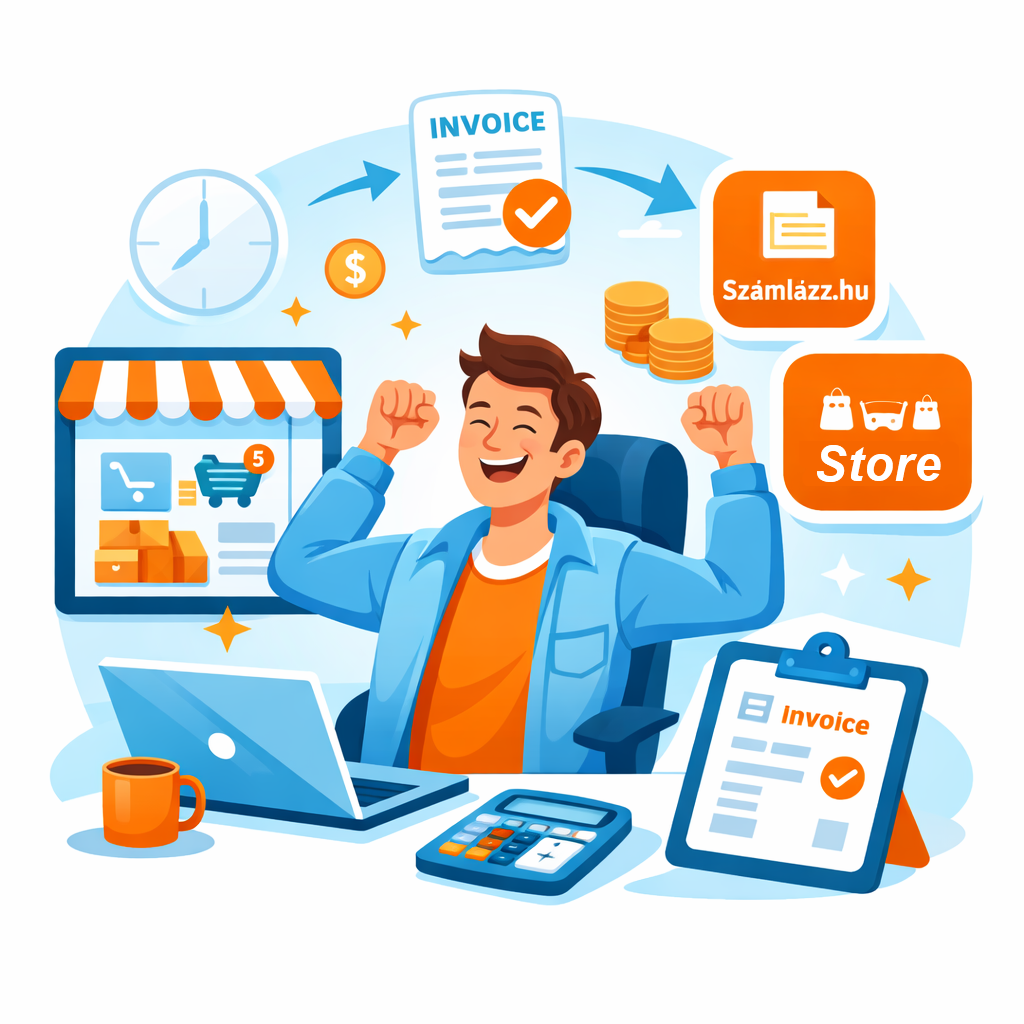
We help Hungarian sellers save time by automatically creating invoices in Számlázz.hu for every order, including the separate tracking of discounts and automatically invoicing them back to the platform once a month.
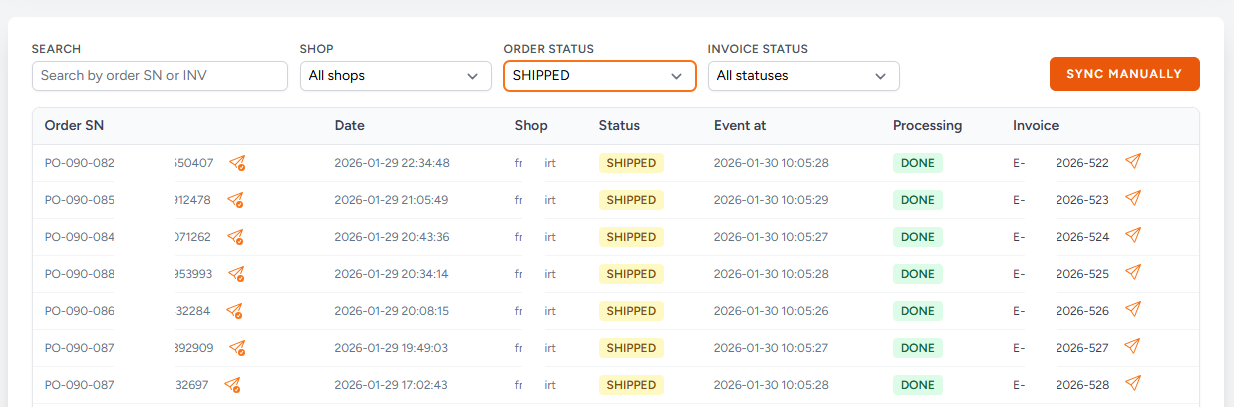
How it works
To make this happen, all you need is an active Számlázz.hu account and a registered seller account at your chosen platform. Once these are in place, there’s just one more simple step: create an InvoGate account. From there, follow the steps below to set up automation and start saving hours on invoicing.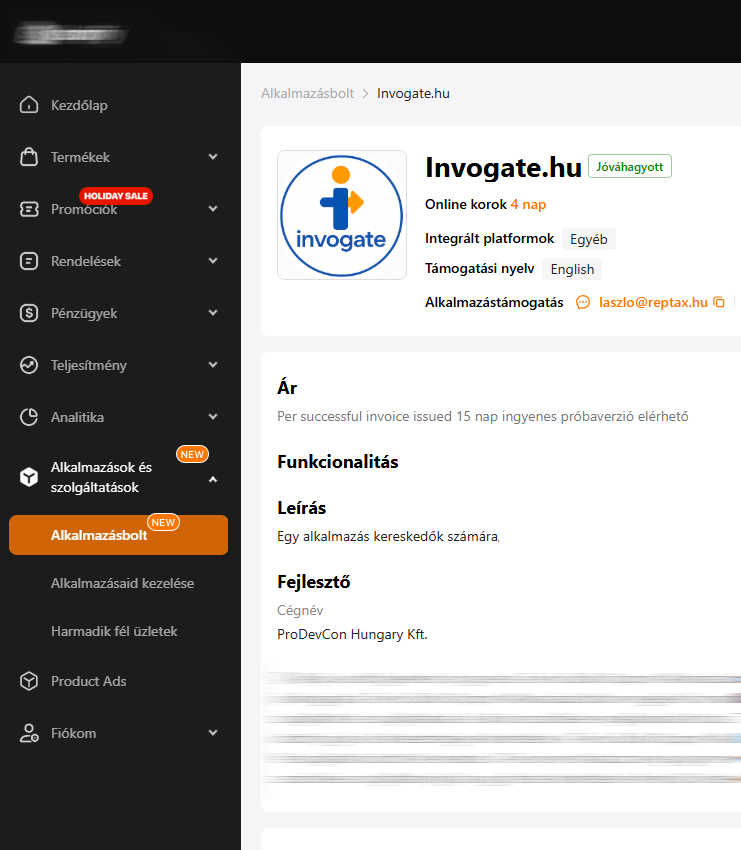
Process
Create an InvoGate account: Register your company on our platform using the signup form. Confirm your email address to verify your account, and you’re ready to move on to the next step.
Connect Számlázz.hu: After login to your InvoGate account, go to Setup → Számlázz.hu and follow the instructions at the top of the page. Using your Számlázz.hu API key, first create an invoicing profile, then set up your invoicing properties. Both can be managed independently and later assigned to one or more connected stores.
Connect your Store: On the Settings page, you’ll find detailed instructions for connecting each of your stores to the system. Simply follow the steps provided for your platform, complete the authorization, and verify the connection. The setup process is quick and straightforward, and full compatibility is ensured — regardless of which platform you use. Once connected, you can name your store, select the appropriate billing profile and billing parameters, and save your configuration.
Start your free trial: Start your 14-day free trial from Setup → Team by following the instructions at the top of the page. Then sync your orders from the dashboard. Once synchronization is complete and automatic invoicing is enabled, you can sit back — we’ll take care of the rest.
Frequently Asked Questions
If you can’t find the answer you’re looking for, feel free to contact our advisor at the number below:+36 30 458 0782
Please check your seller platform’s App Store or marketplace to see whether native InvoGate support is available. If the integration is listed there, the connection process is simple and automatic. If you don’t see built-in support yet, feel free to contact our advisor — we’re happy to develop the integration and connect your platform based on your business needs.
Not at all. InvoGate is designed for merchants, not developers. The setup process is guided step by step, and once automation is enabled, the system works in the background without requiring ongoing manual intervention..
Yes. You can connect and manage multiple stores within a single InvoGate account across platforms. Each store can be linked to its own invoicing profile and settings, giving you full flexibility even if you operate several shops.
InvoGate automatically handles canceled orders. Invoices related to canceled orders are voided, keeping your invoicing and accounting records accurate without extra manual work.
We protect the system using modern security practices and up-to-date technologies. You can also enable two-factor authentication for your account, ensuring that only you can access it. While no system can ever be considered completely unbreakable, we do everything we can to keep your data — and your customers’ data — safe. Data protection is a top priority for us, and we continuously improve our security measures.
Discounts granted by the platform, usually are tracked separately from regular order invoices. These discounts are automatically aggregated and invoiced back to the platform on a monthly basis, so you don’t have to calculate or manage them manually. This may differs according to the chosen platform.
No. There are no long-term commitments or fixed monthly fees. You can stop using the service at any time, and you’ll only ever be charged for invoices that were actually created while using InvoGate. You can use InvoGate completely free for the first 14 days. After the trial period, pricing is simple and transparent: 50 HUF + VAT per issued invoice — meaning you only pay when you truly save time and administrative effort.
Pricing
You can use InvoGate completely free for the first 14 days.
After the trial period, pricing is simple and transparent: 50 HUF + VAT per issued invoice — meaning you only pay when you truly save time and administrative effort.